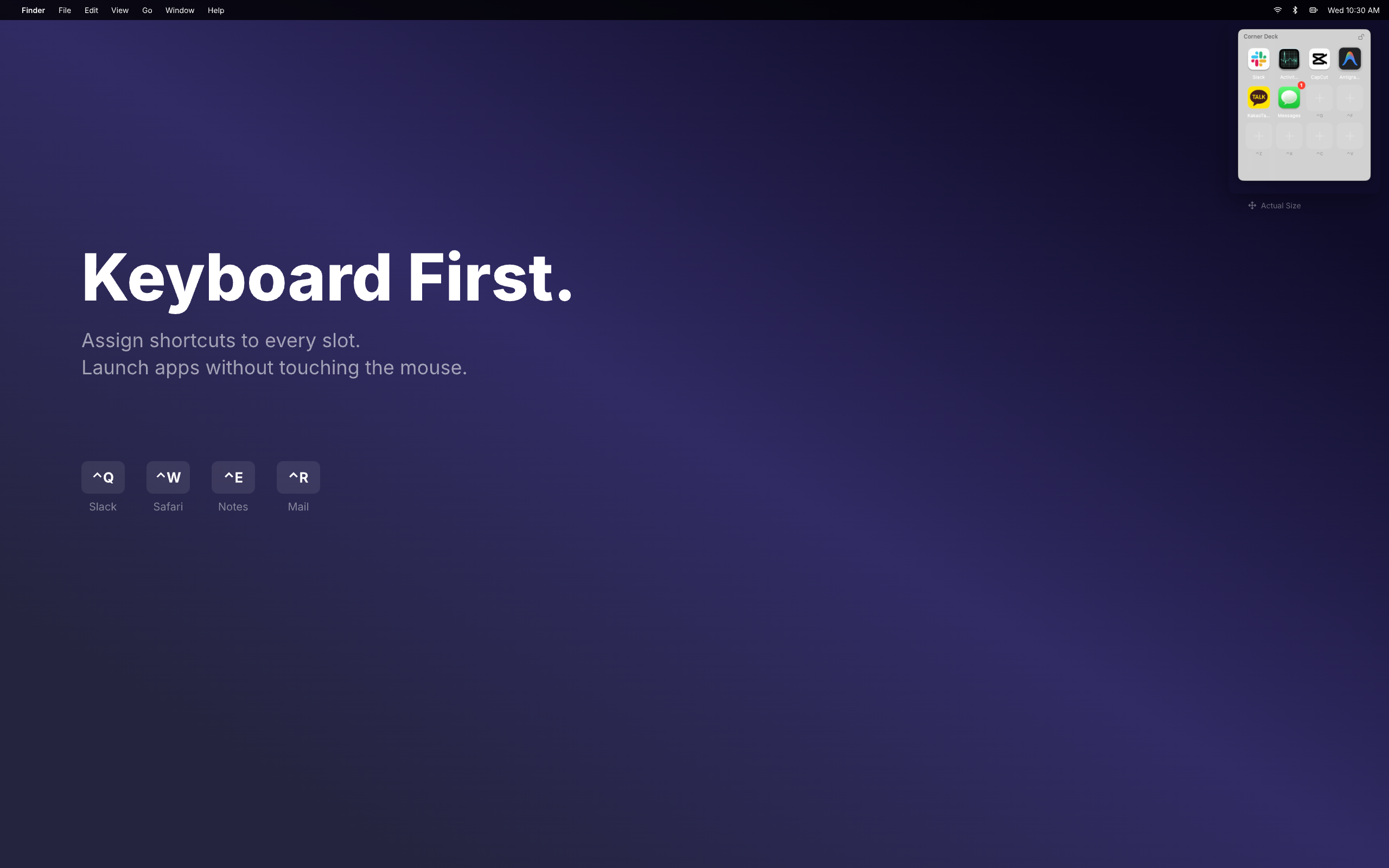
Keyboard First.
Assign shortcuts to every slot.
Launch apps without touching the mouse.
^Q
Slack^W
Safari^E
Notes^R
MailAlways There.
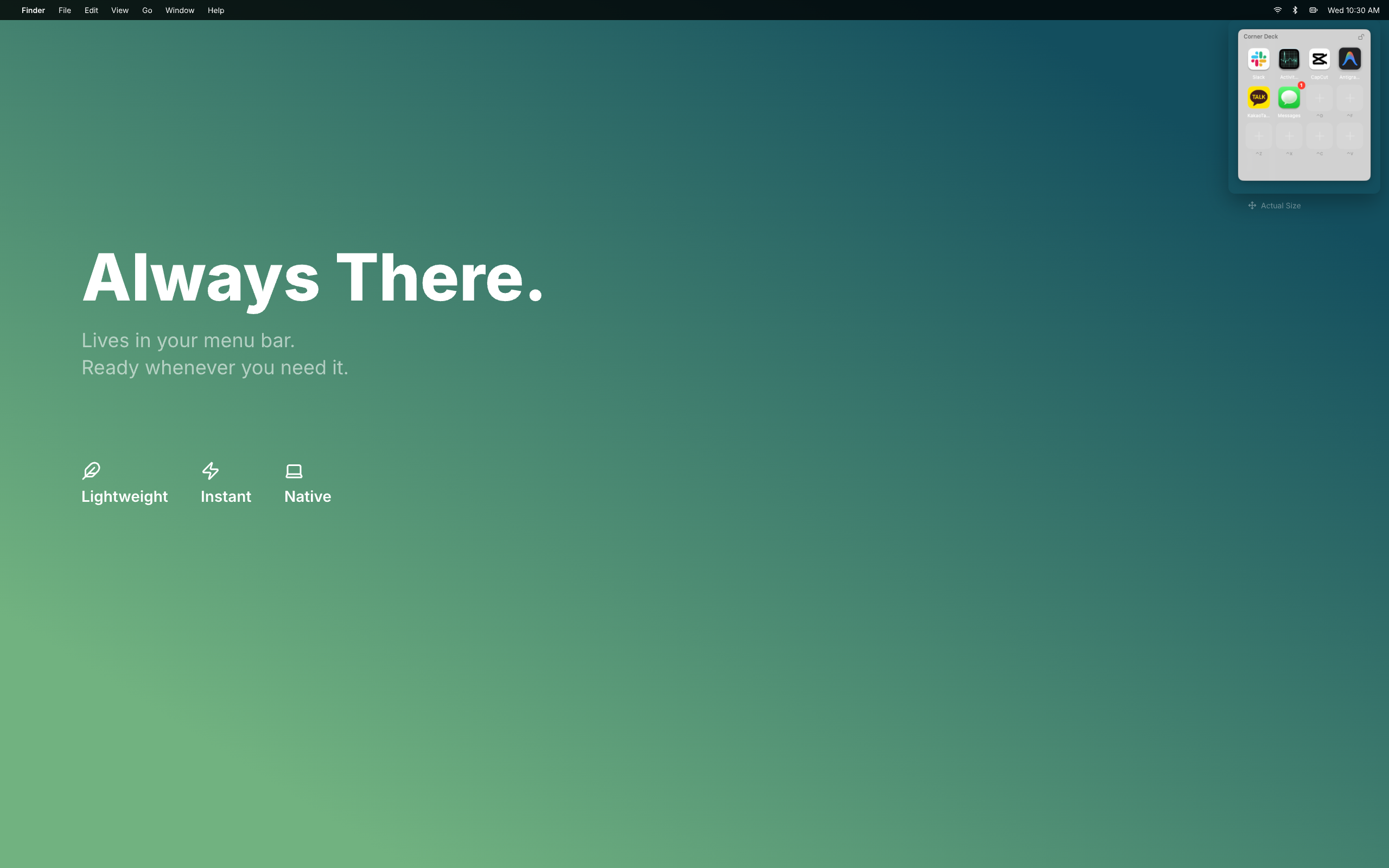
Lives in your menu bar.
Ready whenever you need it.
Lightweight
Instant
Native
Everything you need
A tiny floating dock that stays out of your way until you need it.
^Q
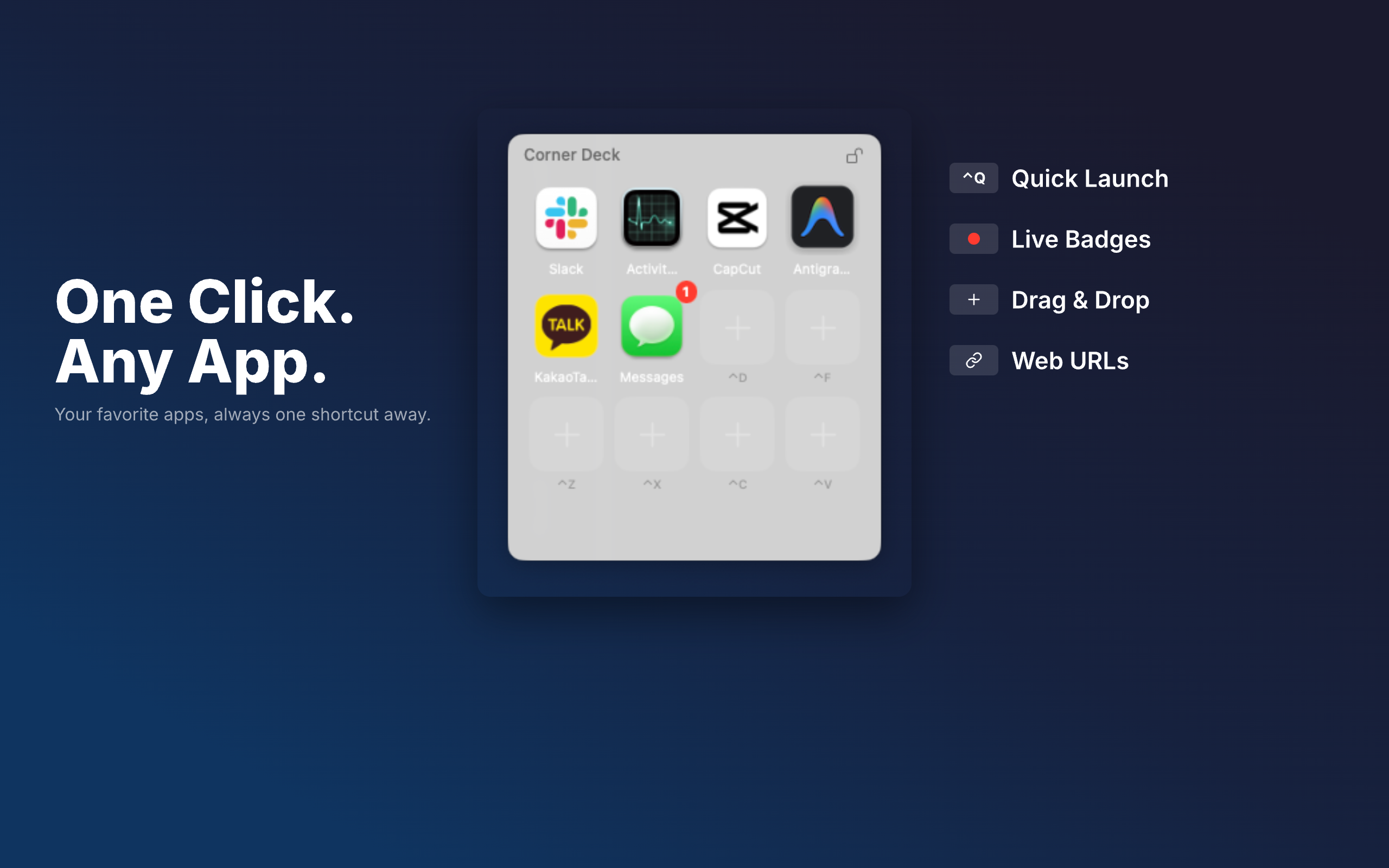
Quick Launch
Launch any app instantly with customizable keyboard shortcuts.
Live Badges
See notification counts from your favorite apps at a glance.
Drag & Drop
Add apps, files, and folders by simply dragging them in.
Web URLs
Launch websites and web apps directly from your dock.
Simple pricing
Start free, upgrade when you need more
Free
$0- Add up to 8 items
- Drag & drop apps, files, URLs
- Keyboard shortcuts
- Notification badges
- Works on all Spaces
- 4 corner positions
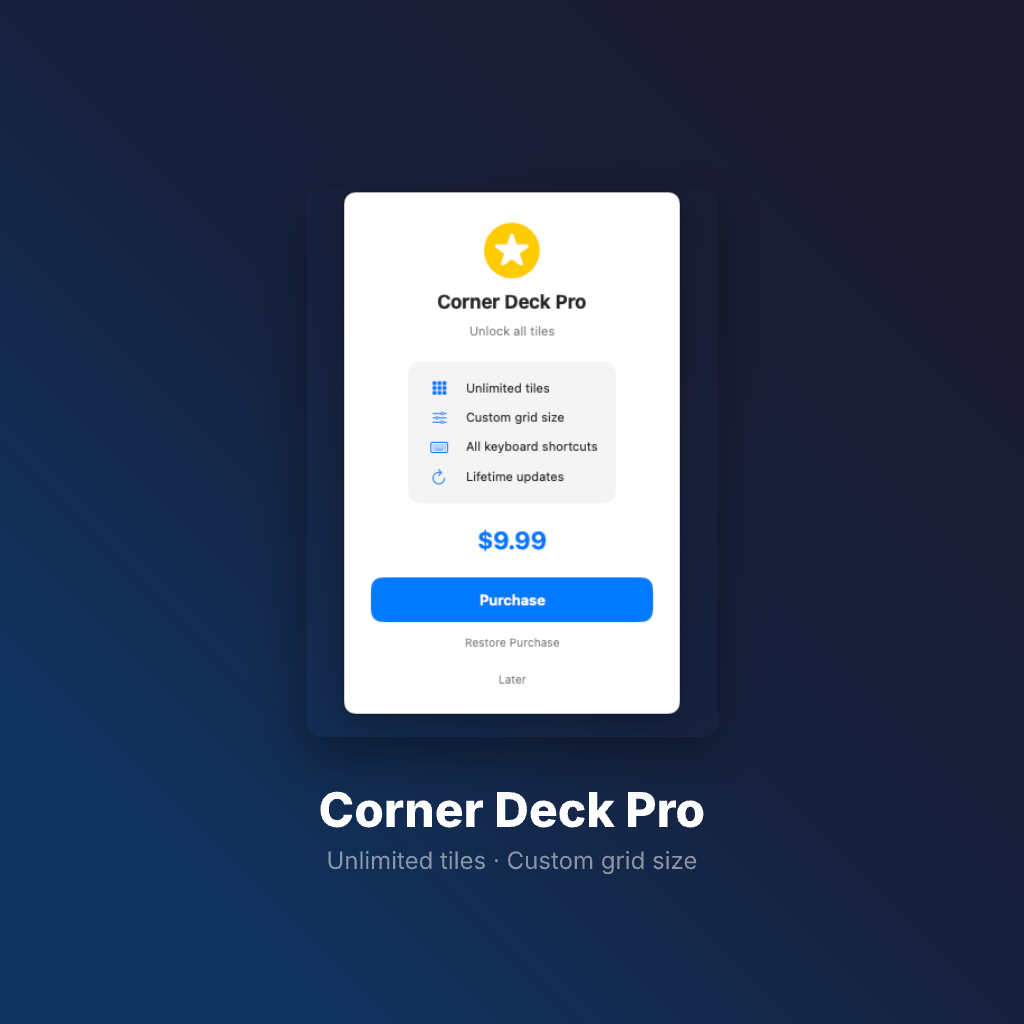
Corner Deck Pro
Unlock all tiles
- Unlimited tiles
- Custom grid size
- All keyboard shortcuts
- Lifetime updates
$9.99
PurchaseOne-time purchase. No subscription.